Yes, my saga continues.
From Ubuntu
Studio 32-bit, I shifted to the 64-bit. Again, I had to check forums and post questions to find out if my unit was 32 or 64 bit-something very obvious to many but not to this one.
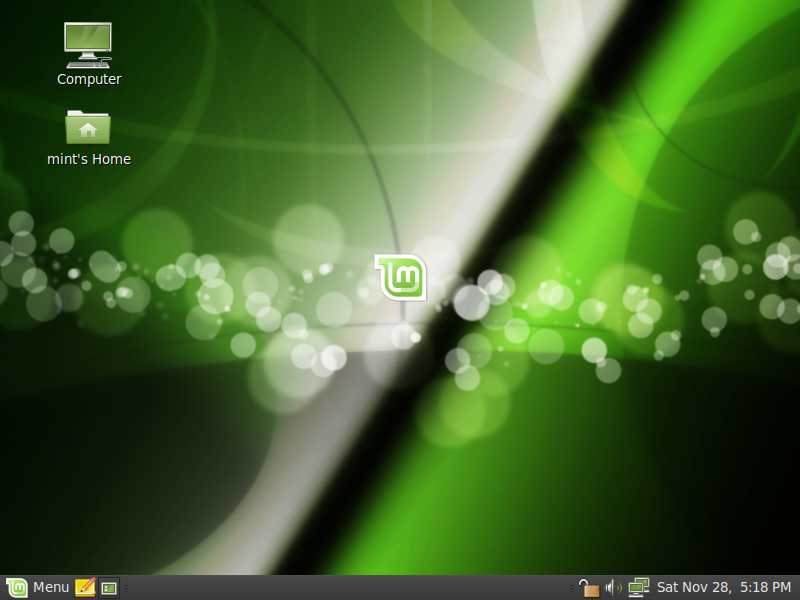
Anyway, I didn't quite like Ubuntu Studio. I found it a bit slow though someone in the forum said it kind of starts like that until the system "gets used to it". Impatient me again urged me to go back to Linux Mint 8 (Helena), 64-bit. It's probably just the way I used it, or because some of the programs weren't fully ready yet for 64-bit, but I found it hanging several times. I mean this is a new unit after all and the specs are more than the recommended of Mint. Besides, Mint's blog does have some sort of warning that says its 32-bit version is more stable than the 64-bit one.
So I insta

lled the 32-bit. Being 32-bit, it could detect only 3 of 4gb memory, just like Microsoft Windows 32-bit. But, man, I paid for that extra 2gb memory so I wanted it utilized. Found out that there's such a thing as
PAE. So I followed the instructions and now Mint detects and uses my 4gb memory!
So why do I dual boot Mint with Windows 7
? Because I'm still finding out and learning the multimedia softwares that linux has to offer. In the meantime, I can fall back on those that i know which are Windows-based. Basic ones, of course, but very useful for work and home (Windows Live moviemake, DVD flick, etc

).
Well, so far so good!
P.S. There's a website for linux applications that serve as alternatives to Windows ones.
Click here.